A keyframe-based cinematic camera for RedM. Drop keyframes, edit smooth spline paths, bake weather and time-of-day per shot — straight inside the game.
Fly the free camera to the angle you want and press F to add a keyframe. Recording Mode writes them automatically while you fly. Standard editing tools work the way you'd expect — copy, paste, multi-select, drag to reorder.
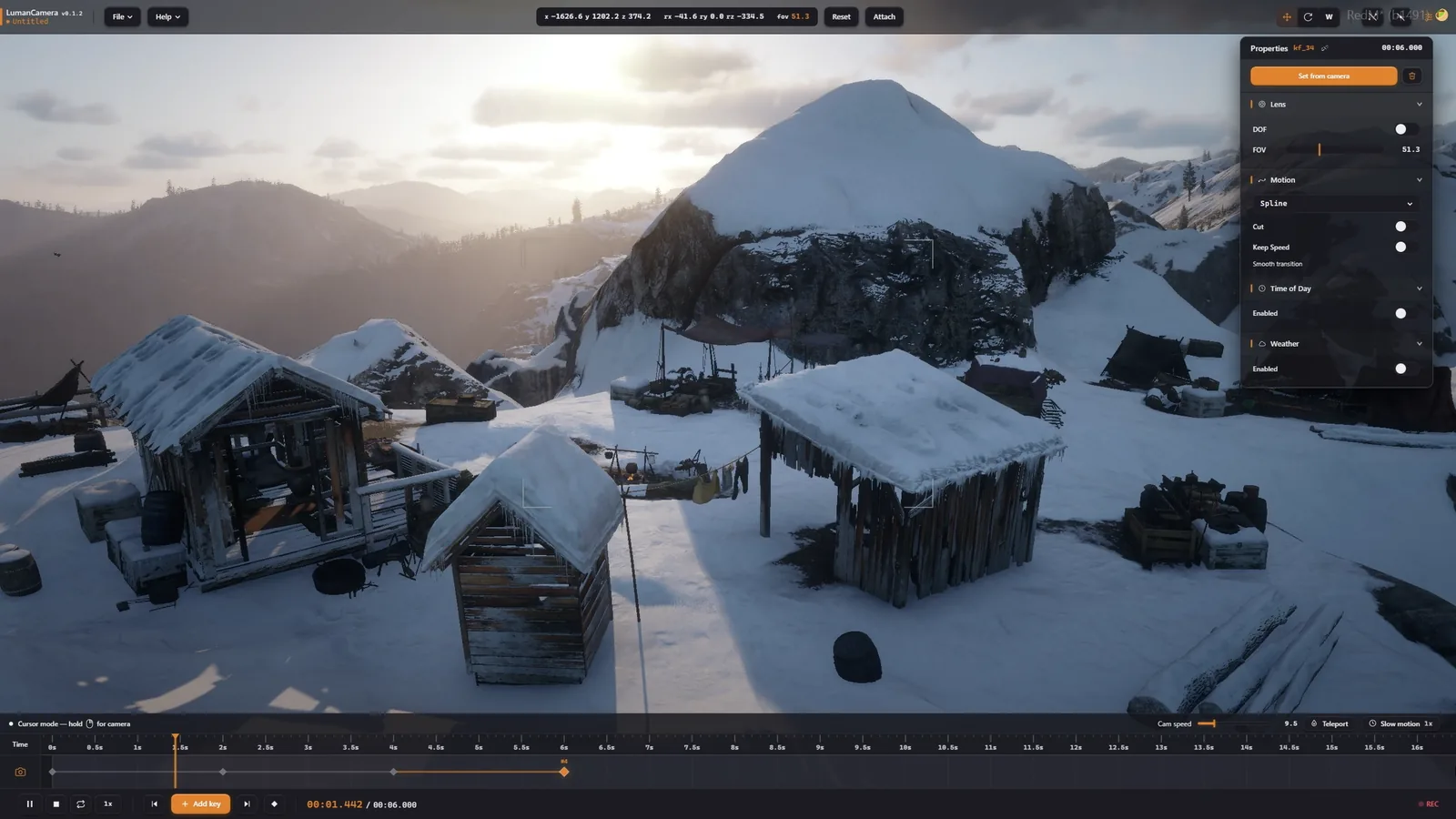 Quickframes
The camera moves along a smooth spline between your keyframes. The path is drawn in the world so you can see exactly where the camera will go, and you can drag bezier handles directly in 3D to reshape it.
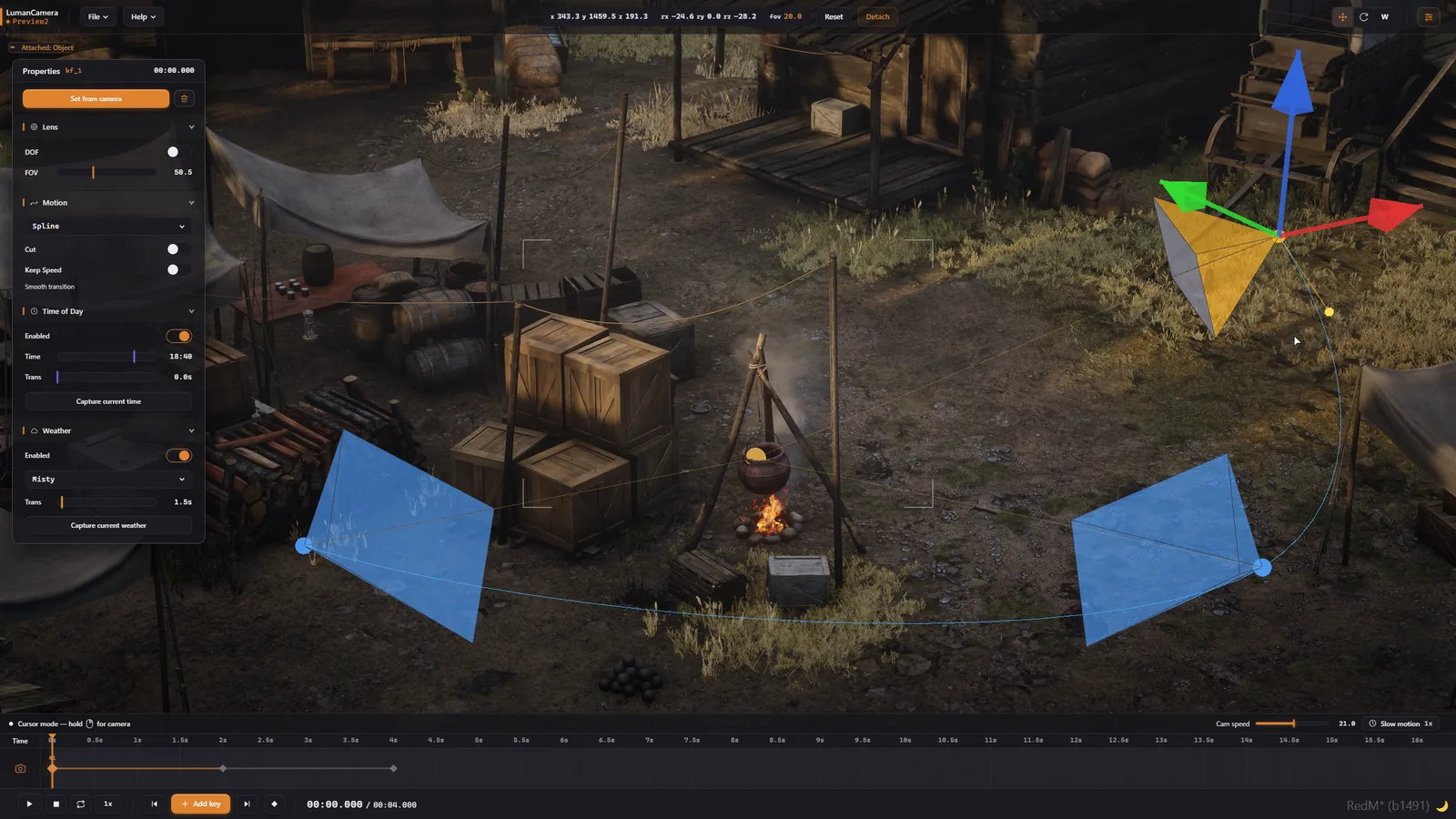 Spline editor
Build a full cinematic from several shots — hard cuts, hold-frames or smooth blends between them. Scrub the timeline frame by frame to land on the exact moment you want.
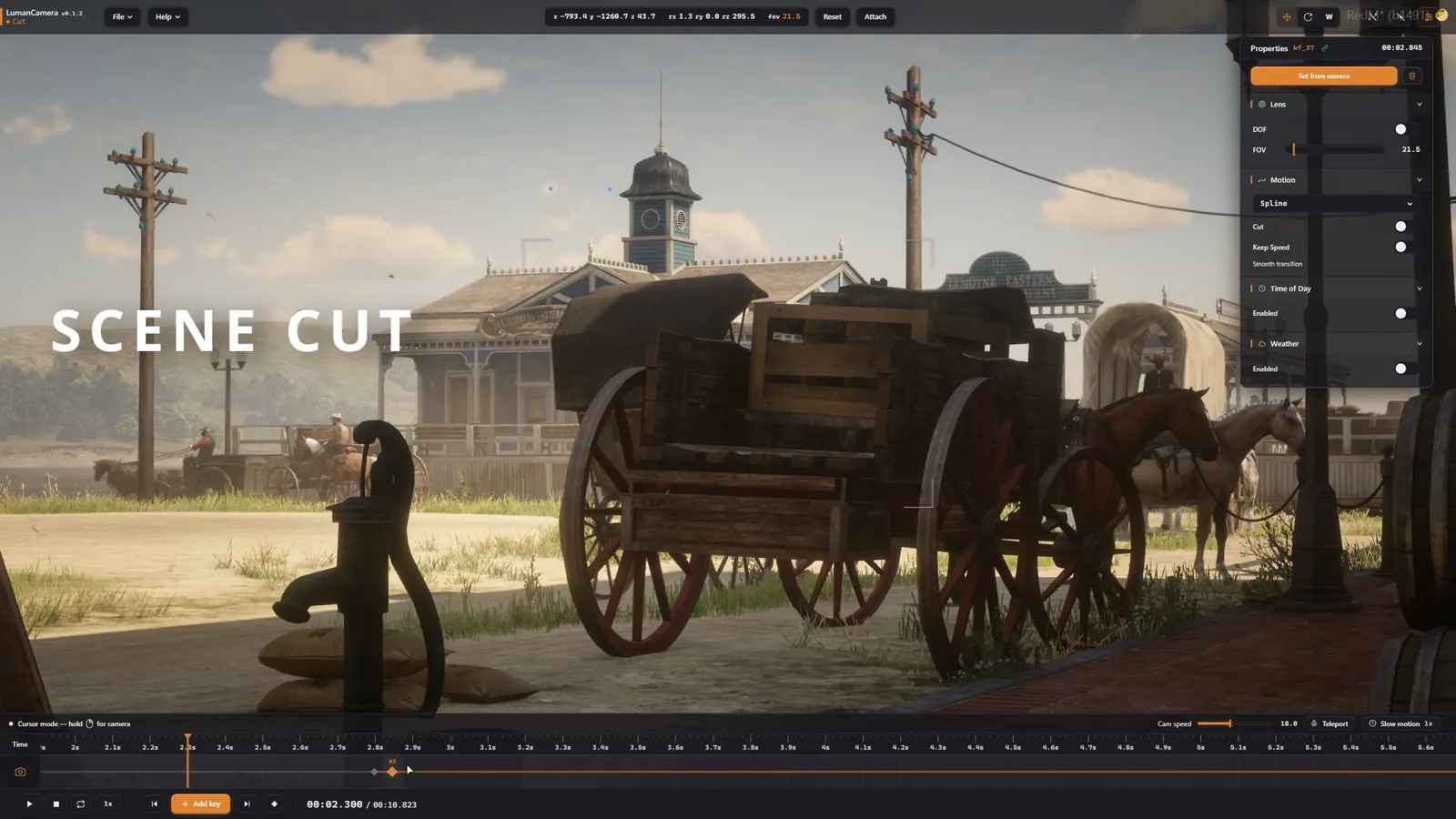 Cut scene
Each keyframe stores its own weather and time of day. Pick from 18 presets, lock a specific hour, or blend smoothly between two states. The world re-applies the right conditions whenever you replay the scene.
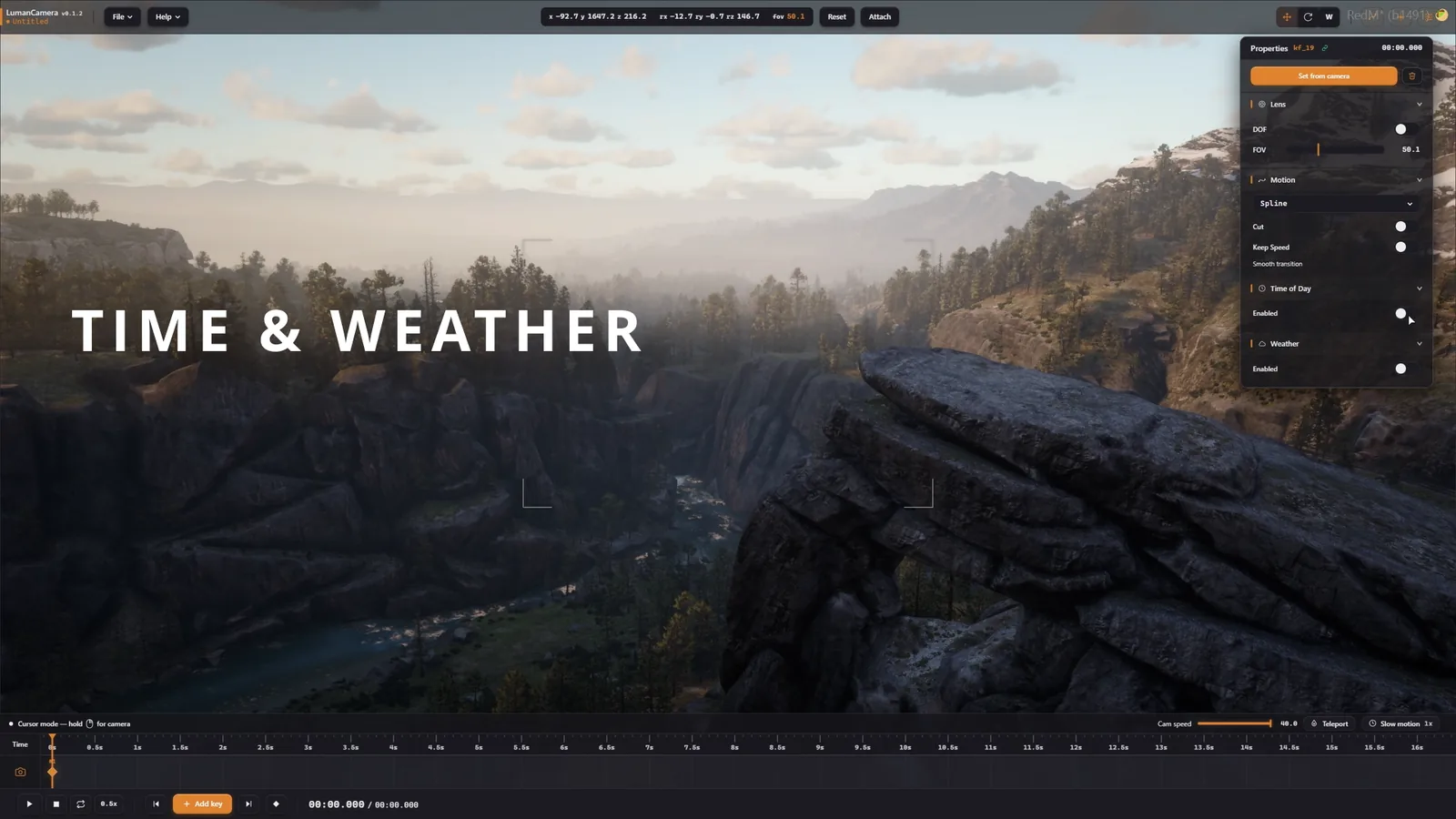 Weather & TOD
Tune the depth of field exactly how you want. Set the focal distance to pick what's sharp, adjust how much the background blurs, change the field of view — all from the lens panel.
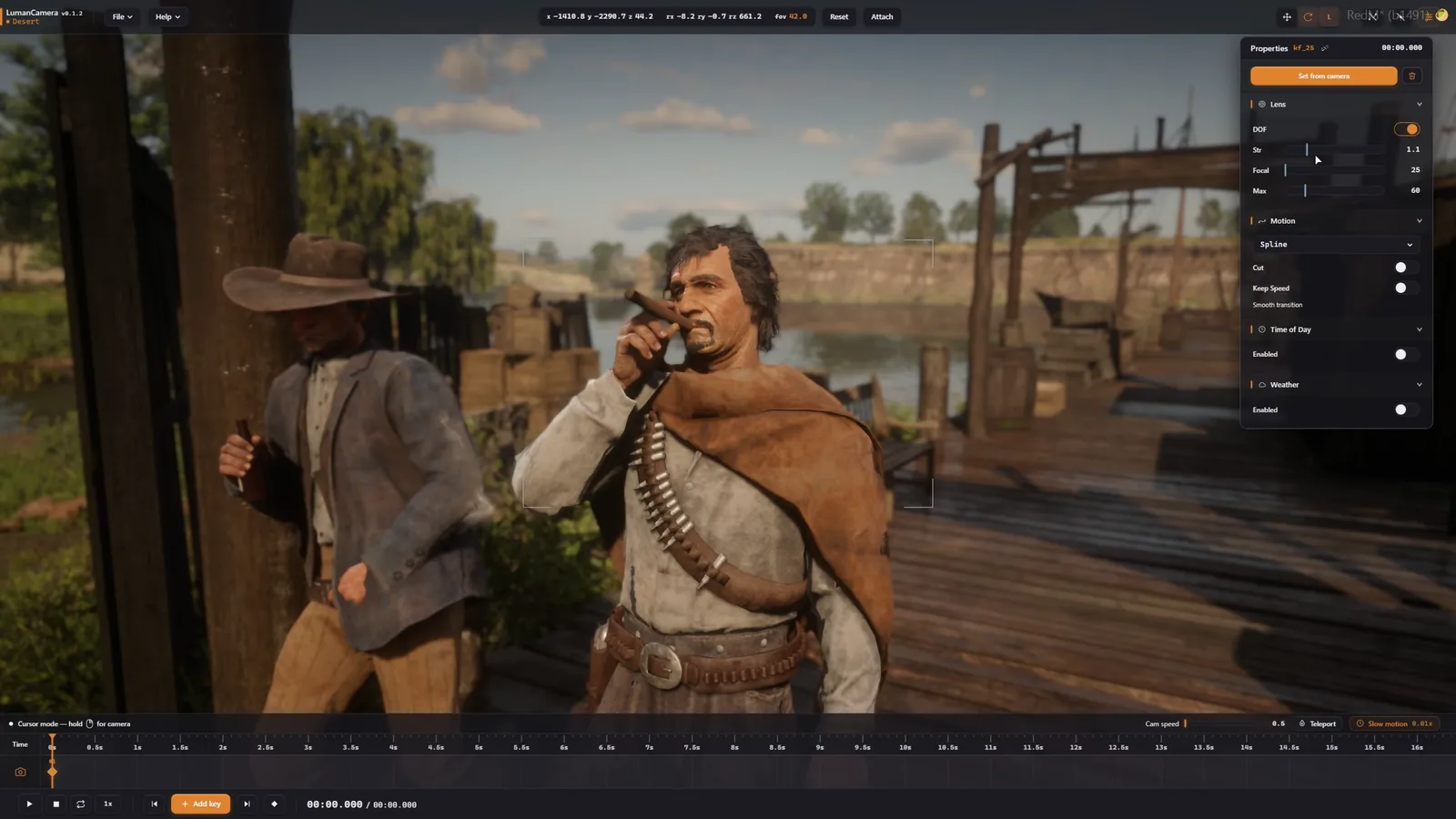 DOF mode
Pick any entity in the world — a ped, horse, vehicle or wagon — and the camera attaches to it. The whole route moves together with the target, so the shot stays on it wherever it goes.
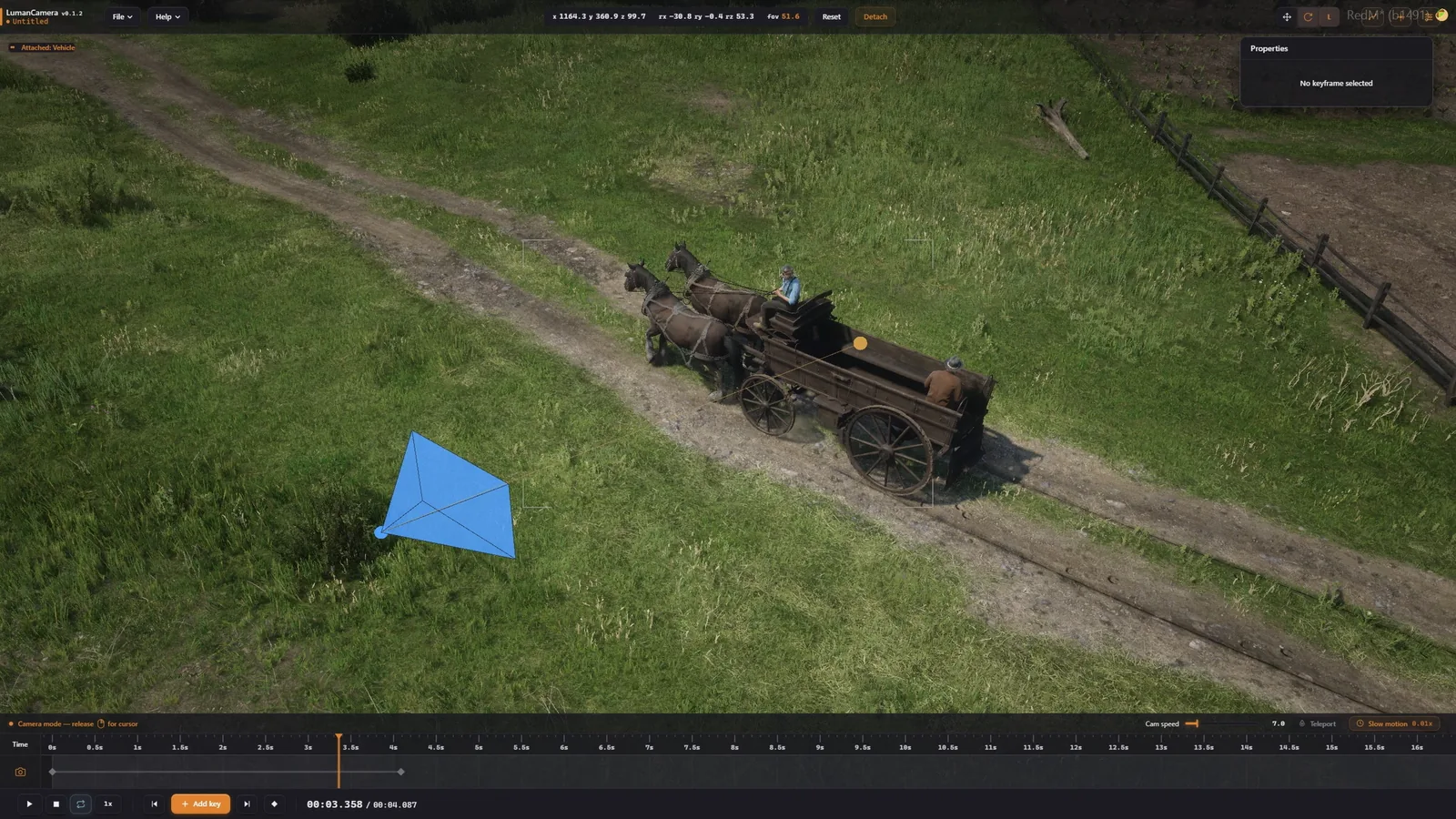 Attach
Change the playback speed of the scene. Slow it down all the way to 0.1× to catch a single moment, or speed it up to 8× to skip through.
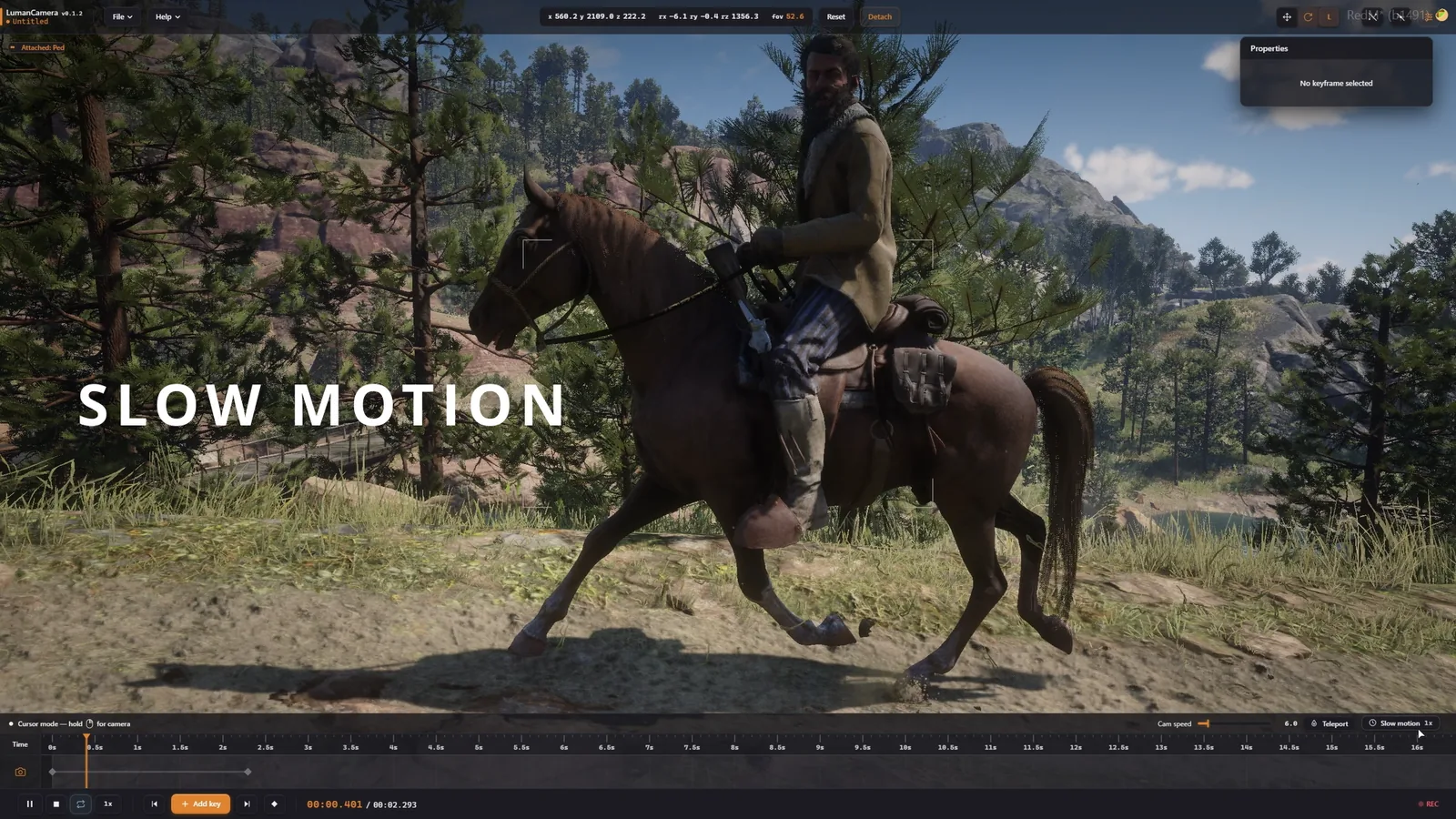 Slow-motion
Choose the perfect plan for your needs
Try it without commitment
Perfect for professional creators
Secure checkout via Tebex
From purchase to first cinematic — in minutes
Pick lifetime or monthly. Pay through secure Tebex checkout.
Get the resource files instantly on your CFX account.
Drop into your resources folder, ensure in server.cfg.
Press O in-game and start filming.
Everything you need to know before buying
Yes. LumanCamera is framework-agnostic — it works on VORP, RSG, RedEM, and any custom RedM stack. The only requirement is a standard resources/ directory and the ability to ensure the resource in server.cfg.
No. Press O in-game (or run /lumancam) and you're in the editor. The UI is designed to be approachable for content creators, not just developers.
Absolutely. Cancel directly from your Tebex account at any time — no questions, no penalties. Access stays active until the end of the current billing cycle.
All payments are processed through Tebex — major credit cards, PayPal, and several local payment methods are supported.
Yes — both lifetime and subscription plans include all future updates. We push improvements continuously and listen closely to community feedback in our Discord.